> ## Documentation Index
> Fetch the complete documentation index at: https://docs.algoreg.com/llms.txt
> Use this file to discover all available pages before exploring further.
# Get Started
> Enters Algoreg for the first time
### Authentication
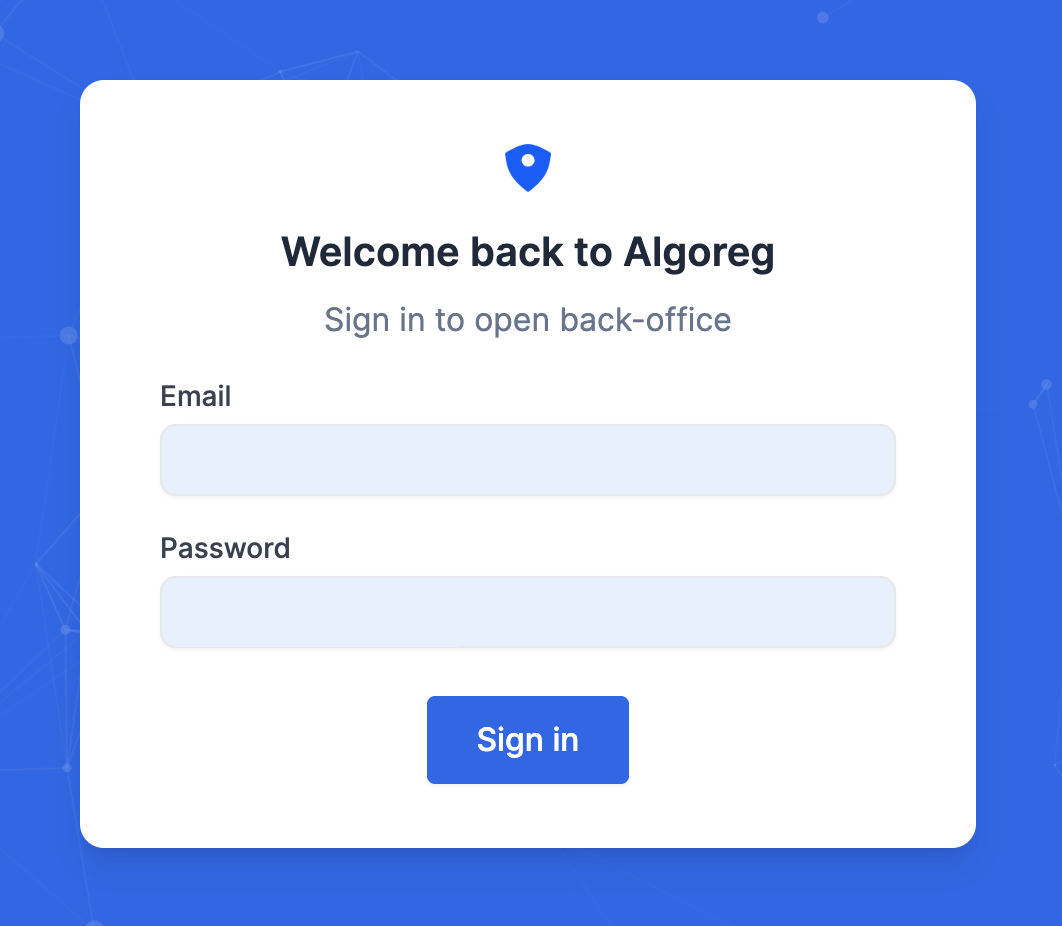
To authenticate to your Algoreg account, you first have to find your Algoreg domain. Your domain was defined with our sales team and looks like **[https://domain.backoffice.algoreg.com/](https://domain.backoffice.algoreg.com/)**
Open this URL on your browser to show the authentication screen where you can enter your credentials.
### Navigate in Algoreg
Use the left side bar to navigate into the various Algoreg products and features. Note that depending on your access level, you will not be able to see all of the features.
See each of the product guide for more details:
[Getting started with Go!Vid](/docs/govid/get-started)
[Getting started with Go!Scan](/docs/goscan/get-started)
[Getting started with Go!Risk](/docs/gorisk/get-started)
### Change my password
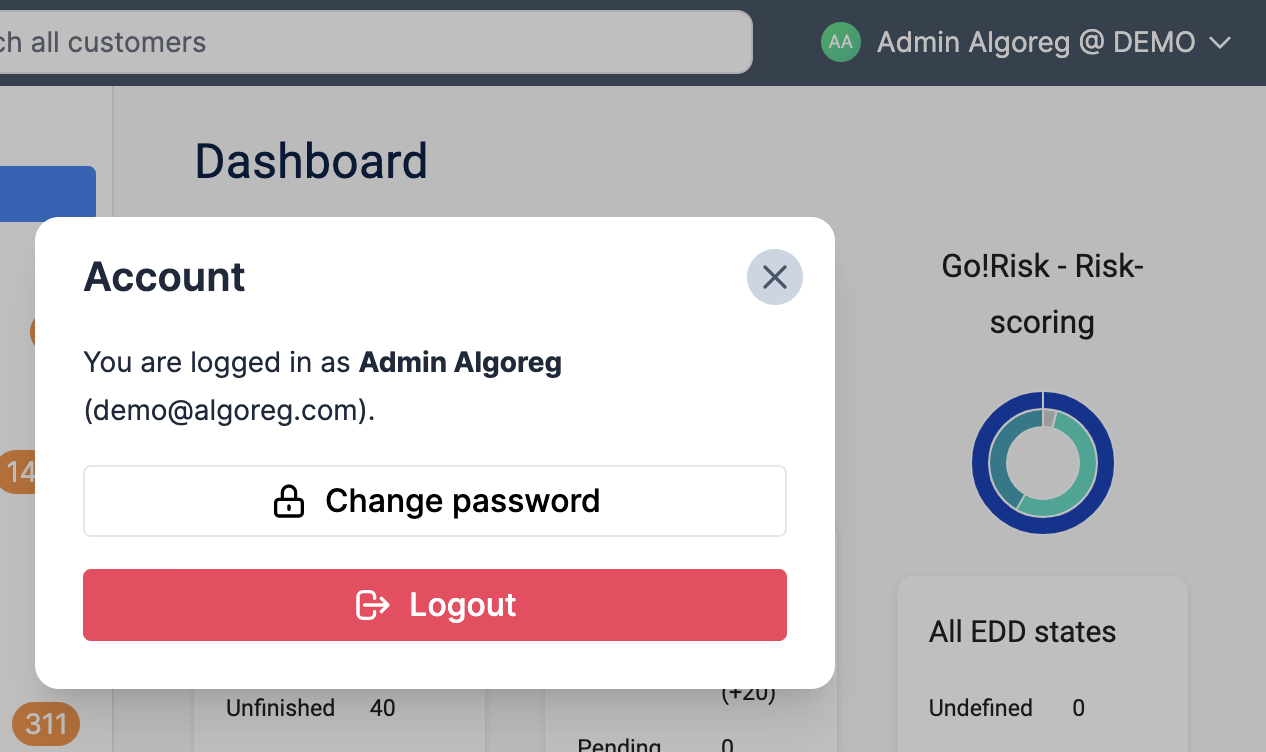
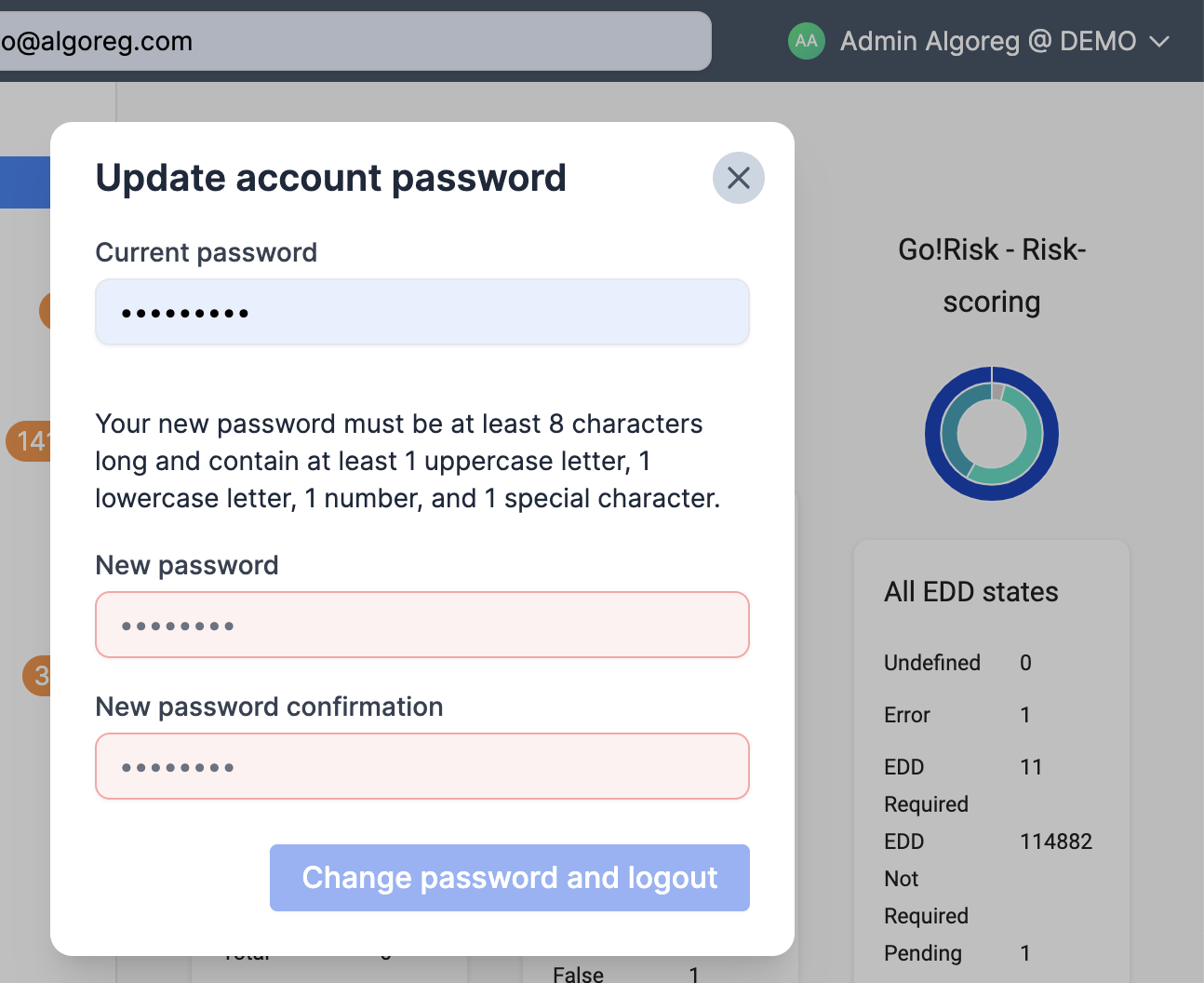
You can change your Algoreg password by clicking on the top right button **\[Your name] @ \[Your company]** and then “Change password”.
Your new password needs to be at least 8 characters long and contain at least 1 uppercase letter, 1 lowercase letter, 1 number, and 1 special character.
If you want to manage other users passwords, open the [Users management](/docs/common/users-management) guide.
### Log out from Algoreg
Your Algoreg session remains active for 24h.
You can log out from Algoreg at any time by clicking on the top right button **\[Your name] @ \[Your company]** and then “Logout”.
 ### Navigate in Algoreg
Use the left side bar to navigate into the various Algoreg products and features. Note that depending on your access level, you will not be able to see all of the features.
See each of the product guide for more details:
[Getting started with Go!Vid](/docs/govid/get-started)
[Getting started with Go!Scan](/docs/goscan/get-started)
[Getting started with Go!Risk](/docs/gorisk/get-started)
### Change my password
You can change your Algoreg password by clicking on the top right button **\[Your name] @ \[Your company]** and then “Change password”.
Your new password needs to be at least 8 characters long and contain at least 1 uppercase letter, 1 lowercase letter, 1 number, and 1 special character.
If you want to manage other users passwords, open the [Users management](/docs/common/users-management) guide.
### Navigate in Algoreg
Use the left side bar to navigate into the various Algoreg products and features. Note that depending on your access level, you will not be able to see all of the features.
See each of the product guide for more details:
[Getting started with Go!Vid](/docs/govid/get-started)
[Getting started with Go!Scan](/docs/goscan/get-started)
[Getting started with Go!Risk](/docs/gorisk/get-started)
### Change my password
You can change your Algoreg password by clicking on the top right button **\[Your name] @ \[Your company]** and then “Change password”.
Your new password needs to be at least 8 characters long and contain at least 1 uppercase letter, 1 lowercase letter, 1 number, and 1 special character.
If you want to manage other users passwords, open the [Users management](/docs/common/users-management) guide.
 ### Log out from Algoreg
Your Algoreg session remains active for 24h.
You can log out from Algoreg at any time by clicking on the top right button **\[Your name] @ \[Your company]** and then “Logout”.
### Log out from Algoreg
Your Algoreg session remains active for 24h.
You can log out from Algoreg at any time by clicking on the top right button **\[Your name] @ \[Your company]** and then “Logout”.